




%2520(62).png)


.svg)



Workday's compensation module forces your process to fit its architecture, and most teams end up running the real work in spreadsheets alongside it
The five best Workday compensation alternatives in 2026 are Compport, HRSoft, Salary.com, Payscale, and Beqom, each built to sit on top of Workday HCM, not replace it
Compport covers the full comp lifecycle with self-service configuration, native LTI, pay equity analytics, and bi-directional Workday sync, no consultants, no production freezes
HRSoft goes deepest on LTI and governance, Beqom combines HR comp and sales comp in one engine, Salary.com and Payscale lead on market data
When evaluating, prioritize admin self-service, implementation timeline, Workday integration depth, and pay equity readiness, not just feature lists
Your company runs Workday. So when compensation planning comes up, the answer seems obvious: just use the comp module. One vendor, one data source, fewer integrations to manage.
On the surface, this makes sense. Until you're deep into your first merit cycle.
A mid-cycle promotion wipes out a planned increase. Your consultant bills another 3 hours to fix a bonus rule. Hiring freezes because the cycle is live. And somehow, your team is still finishing the cycle in spreadsheets.
It's not a configuration problem. It's an architecture problem.
As one reviewer put it: “The system is not able to accommodate some common business scenarios in compensation administration. It is very difficult to change the supervisory org set up once implemented."
Workday is a powerful HCM platform. Its compensation module, however, was never purpose-built for the high-stakes, constantly shifting demands of comp planning. And in 2026, that gap is getting harder to work around.
The fix isn't replacing Workday. It's replacing the part that's slowing your team down and syncing everything back seamlessly.
Here are five platforms built to do exactly that.
Why do Workday users look for compensation alternatives?
Here's what comp teams actually run into:
Your comp process has to fit Workday, not the other way around
Running compensation on Workday's module means working within what Workday can handle. Custom proration logic, non-standard eligibility rules, multi-tier approval workflows, region-specific guidelines, if your process doesn't map cleanly to Workday's architecture, you either simplify your comp philosophy to fit the tool or build the real process outside it in spreadsheets and macros.
In most cases, it ends up being both.
Promotions mid-cycle can erase planned merit increases
Pay events in Workday sequence chronologically. The last event wins. So when a promotion processes while the global merit cycle is live, it overwrites the planned increase. HR finds out when the numbers don't add up and spends the next few days reconstructing corrections in spreadsheets, close to payroll cutoff.
Planning cycles freeze your HR operation
Many organizations freeze their production environment during merit and bonus cycles, no new hires, no promotions, no transfers, to avoid event-sequencing conflicts. For weeks, sometimes longer. Business doesn't pause. But HR ops effectively does.
Every change needs a specialist
"Configuration changes require a long lead time. External consultants are a necessity for successful initial implementation." — Jacob P., Capterra
That dependency doesn't end at go-live. Changing a bonus rule or adjusting eligibility logic requires relaunching the entire process, and for most teams, that means a call with a consultant.
The planner experience is an afterthought, and it shows
“It looks exactly the same as all the other pages. seems like workday just tries to use a certain template and bends its capability to not have to build featured products. For something like compensation, they should rethink this strategy.” - Daniela S.
Workday uses a standard template across modules, so compensation doesn't get a purpose-built experience. It gets the same interface as everything else.
When the tool feels like a system to get through rather than one that helps, managers disengage or fall back on spreadsheets. Routine mid-cycle adjustments become escalations. Planning accuracy drops, not because people aren't trying, but because the system makes it harder than it needs to be.
None of this means abandoning Workday. The pattern emerging in 2026 is clear: enterprises keep Workday as their system of record and run compensation in a purpose-built layer that syncs approved decisions back.
Here's how we evaluated the five most viable options for doing exactly that.
Letter generation becomes a bottleneck at the finish line
The final step of any comp cycle: generating and distributing salary increment or bonus letters, is where Workday users consistently hit a wall.
At high headcount, letter formulation requires manual configuration, custom templates, and often vendor involvement just to get formatting right. What should be the moment employees experience the outcome of the cycle becomes a weeks-long admin exercise for HR.
It's the last mile of compensation, and for most Workday teams, it's the hardest one.
5 Best Workday Alternatives for Compensation Management
Here are five platforms built to replace the comp module, not Workday itself.
1. Compport
Compport is a purpose-built compensation management platform serving 300+ companies across 37 countries and managing compensation for 1.3 million employees globally. Where Workday Advanced Compensation requires specialist configuration for most changes, Compport puts that control directly in the hands of comp administrators, no tickets, no relaunches, no consultant dependency.
What it covers:
- Compensation Planning: Merit, ad-hoc adjustments, and market-based corrections with a rule engine that admins configure independently. Changes made mid-cycle without relaunching. One-click budget builder generates increment grids across teams, grades, and geographies
- Short Term Incentives: Bonus design with full eligible earnings logic and scenario modeling, the exact gap most Workday Advanced Compensation users work around
- Long Term Incentives: LTI, deferred comp, and vesting in the same workflow as merit and bonus. No third-party system required
- Pay Equity Management: ML-driven pay gap analytics with real-time inequity alerts. EU Pay Transparency Directive reporting in one click, no add-on licensing needed
- Total Rewards Statements: Personalized statements in 20+ languages, configurable by role, level, location, and tenure
- Sales Incentives Planning: Sales comp alongside HR comp in one platform; no separate ICM tool
- HR Analytics: 200+ pre-built interactive reports and dashboards. No custom development or additional licensing required
- Candidate Offer Module: Market-aligned offer creation within the same platform
Pros
- Survey-style interface makes building complex comp plans intuitive for both admins and managers; managers onboard in under 20 minutes
- Deep personalization by role, function, level, location, and tenure — without needing a certified consultant to configure it
- Multiple budget simulations are built and compared in minutes; scenario modeling runs across thousands of data points before a cycle launches
- Fast implementation, typically 8–12 weeks with white-glove support, compared to 6–12 months for Workday Advanced Compensation
- Support turnaround as fast as 4 hours, users across G2 and Capterra consistently cite responsiveness as a standout differentiator from legacy platforms
Cons
Newer platform, smaller review base than legacy competitors
2. HRSoft
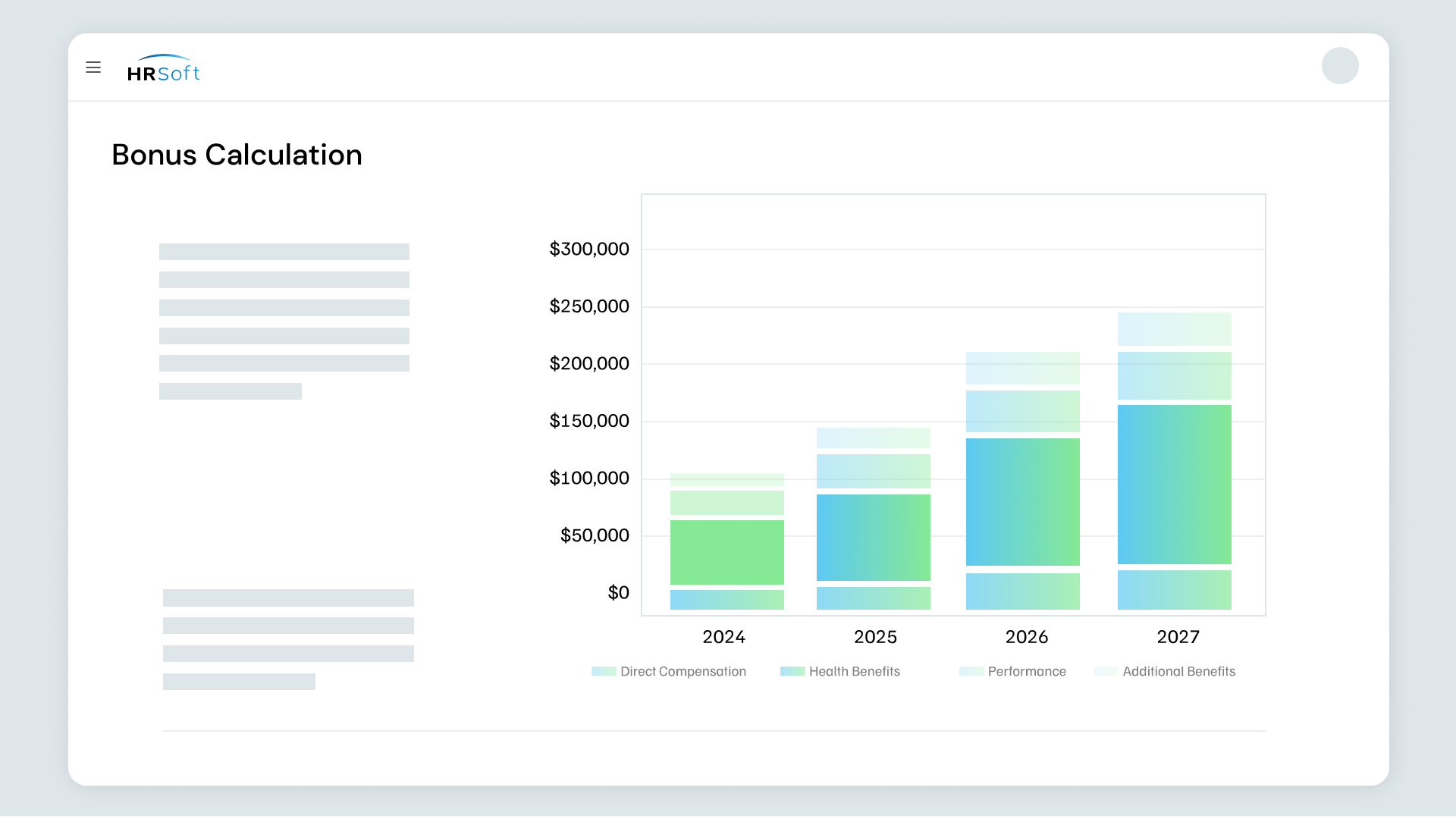
HRSoft is a compensation platform serving organizations across multiple industries. Known for its governance-first approach, it's best suited for organizations with complex audit requirements and mature comp functions.
What it covers:
- Merit and bonus planning with advanced budgeting tools, real-time analytics, and structured approval workflows
- Dedicated LTI, carried interest, and deferred comp modules,. strongest in class for PE/VC and financial services
- Real-time reporting with audit trails; strong governance and SOX compliance features
Pros
- Strong audit trails and governance controls for regulated industries
- The implementation team is often praised; customers cite a smooth onboarding
- High depth in budget distribution, holdback management, and proration logic for complex scenarios
Cons
- Planner and admin UI are described as dated, with structured worksheet-style interfaces lacking modern visual cues
- Performance slowdowns during peak usage periods are reported by multiple users
- Analytics are limited and don't match the platform's overall sophistication
3. Salary.com
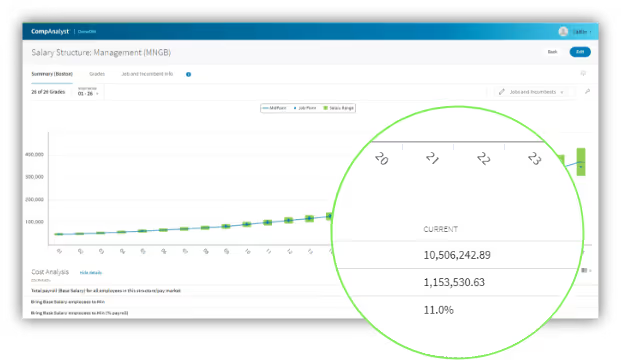
Salary.com is a total compensation platform built around market data as its primary strength. CompXL, its planning layer, is essentially a more secure, better-governed spreadsheet. That's useful for teams whose primary gap is benchmarking. It's limiting for teams whose primary gap is workflow.
What it covers:
- An extensive HR-reported compensation dataset in this comparison, refreshed monthly
- Spreadsheet-native planning environment with governance controls, audit trails, and offline export capability
- Compliance monitoring and disparity identification
Pros
- Strong audit trails and proration flexibility rated well for regulated industries
- Account management and consultation quality were rated positively on G2
Cons
- Admin autonomy is moderate; configuration changes, compensation statement setup, and mid-cycle adjustments frequently require Salary.com's services team rather than self-service
- Planner experience lacks modern visual guidance; the interface feels dated compared to purpose-built platforms
4. Payscale
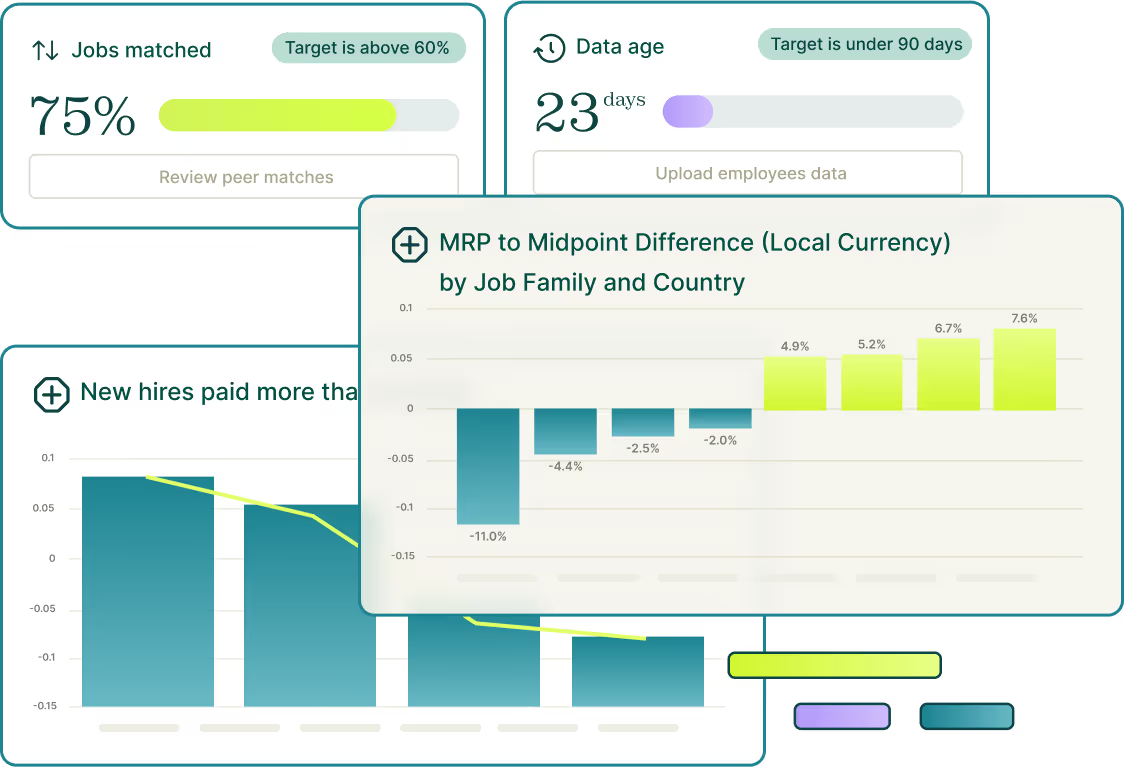
Payscale operates three distinct products: Payfactors for mid-market comp management, MarketPay for enterprise survey aggregation, and Paycycle for merit-cycle planning. The data engine is the headline; comp planning is secondary.
What it covers:
- Aggregates 100s of third-party surveys, including Mercer, Radford, WTW, and Milliman, alongside Peer crowdsourced data
- Pay gap reporting and compliance monitoring
- Real-time dashboards for comp cycle tracking; strongest on benchmarking analytics
Pros
- Survey aggregation depth is great for US-heavy benchmarking teams
- Peer crowdsourced data alongside third-party surveys gives multiple pricing lenses
- Paycycle customers report meaningful cycle time reduction
Cons
- Global data coverage is a documented gap; reviewers cite limited country coverage outside the US
- Paycycle is newer with a thinner implementation track record
- Comp planning capabilities secondary to data; complex bonus logic and LTI are not core strengths
5. Beqom
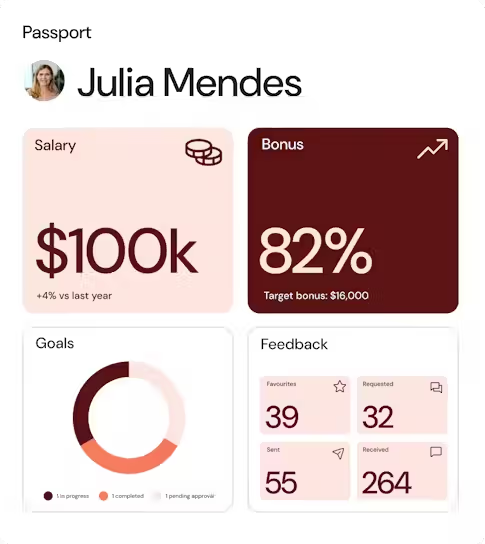
Beqom is a comp platform that unifies HR compensation and sales performance management into a single engine. Built for global organizations where comp complexity and scale are the primary constraints.
What it covers:
- Salary, merit, and bonus with flexible configuration for multinational structures
- LTI and deferred comp are natively supported alongside HR comp
- PayAnalytics (acquired) for pay gap analytics and EU Pay Transparency Directive reporting
Pros
- The platform combines HR comp and sales performance management extensively
- Handles extensive datasets across complex multinational structures with accuracy
Cons
- Achieving truly unique requirements often means external workarounds like spreadsheet macro files or basic attachments rather than integrated native features
- Extensive customization typically requires ongoing vendor involvement; not a self-service platform
- Deployments often run 4–9 months, one of the longest implementation timelines in this comparison
- Reporting and workflow capabilities lag the platform's overall sophistication, flagged as a recurring G2 theme
How to choose the right Workday alternative for compensation management?
The single biggest decision is whether your primary gap is workflow configurability or market data. That one question bifurcates the field.
If your gap is workflow, your team is losing time to consultant calls, production freezes, mid-cycle overwrites, or spreadsheet workarounds. Compport, HRSoft, and Beqom all solve this, but in different ways.
If your gap is workflow, your team is losing time to consultant calls, production freezes, mid-cycle overwrites, or spreadsheet workarounds. Compport solves this most directly, deploys fastest, is fully self-service, and is built to run compensation cycles without freezing Workday or calling a consultant.
If your gap is market data, your ranges are built on survey submissions from 18 months ago, and Workday has nothing to close that gap. Salary.com and Payscale both solve this.
- Salary.com brings broader data coverage and a tighter planning integration through CompXL.
- Payscale brings deeper survey aggregation across hundreds of third-party sources, with Paycycle as a newer merit-cycle layer for teams ready to move off spreadsheets.
For majorities of Workday users, mid-market to enterprise, global footprint, multi-component plans, consultant fatigue, Compport is the fastest path to a working comp layer that respects your existing Workday investment.
Why do comp teams move to a purpose-built layer?
The pattern in 2026 is consistent: enterprises keep Workday as their system of record and run compensation in a dedicated layer that syncs back. Since Compport is built specifically for this, integrating natively with Workday while handling the planning, approvals, and analytics that the comp module can't, it's worth a direct comparison.
Compport doesn't replace Workday. It replaces the part that's been slowing your team down.

FAQs
What are the best Workday alternatives for compensation in the US?
Compport leads as the top Workday compensation alternative, offering native bi-directional Workday sync, full admin self-service, and 8-12 week implementation without production freezes. HRSoft, Salary.com, Payscale, and Beqom round out the list, each strongest in different areas like LTI governance, market data, or multinational scale.
Can I replace just Workday's compensation module without replacing the HRIS?
Yes. Every tool in this article sits on top of Workday HCM as your system of record. Employee data flows in, approved comp decisions sync back, one source of truth, better workflow.
Do these Workday alternatives integrate with Workday?
Yes. All five tools in this article offer Workday integration, ranging from native bi-directional APIs to connector-based syncs. Verify the integration method (API vs. file-based) during evaluation.
How long does it take to implement a Workday comp alternative?
It varies. Compport typically goes live in 8–12 weeks. HRSoft averages around 4 months. Beqom can run 4–9 months. All are significantly faster than Workday Advanced Compensation's typical 6–12 month deployment.
%20(95).png)
%20(94).png)
%20(93).png)